Medi-Sci
Designed a connected clinical trial ecosystem across mobile, tablet, and web that moved patients, clinical teams, and sponsors off paper and into one system.
Medi-Sci didn't need more screens. It needed one clear way to run clinical trial operations across patients, clinic staff, sponsors, inventory, and inspections.
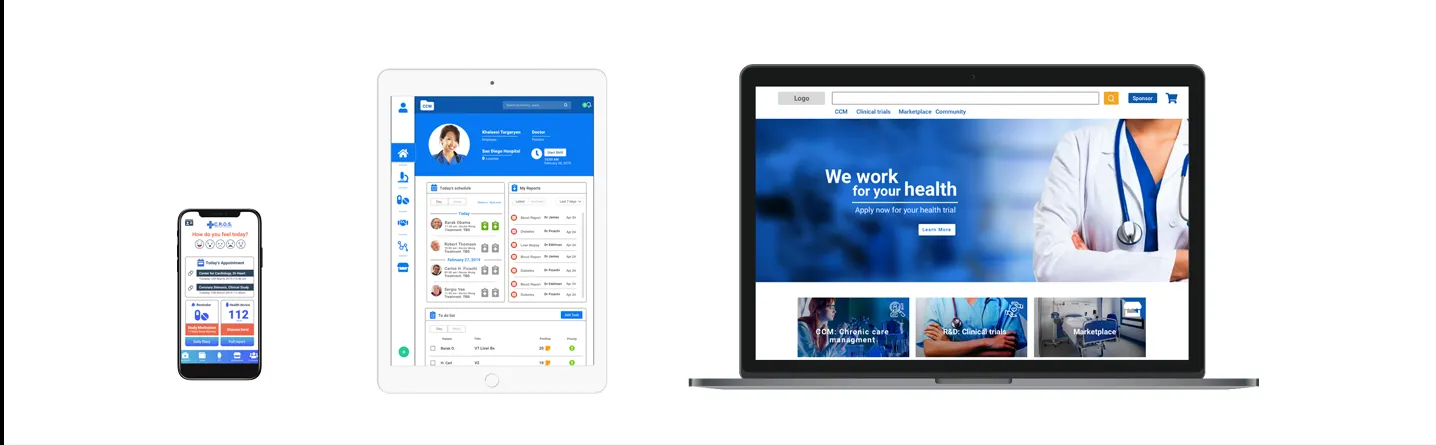
I led the design of a multi-platform ecosystem with three connected experiences: a mobile app for patients, a tablet app for the medical team, and a web platform for sponsors and inspectors.

Company
Medi-Sci (via ArkusNexus)

Industry
Healthcare · Clinical Trials

Location
San Diego, California

Role
Lead Product Designer · UX Research · UX/UI
Timeline
3 months
Patient Mobile App · Clinical Tablet App · Sponsor Web Platform
Platforms
Want the full case study?
Download Full Project PDF
The full PDF covers the research, platform breakdown, navigation maps, key design decisions, and prototype documentation.
From operational complexity to a connected product ecosystem
Medi-Sci is a San Diego healthcare company that runs the logistics behind clinical trials.
Every trial depends on many people: patients, clinic staff, medical teams, sponsors, suppliers, and inspectors. Their information lived in paper documents, manual steps, and workflows that didn't talk to each other.
I led the product design: I turned the client's early business needs into a product direction, defined how the ecosystem would be structured, and designed prototypes for real clinical and administrative scenarios.
Designing for multiple roles, permissions, and workflows
The core challenge was turning a broad business need into a product that could be planned, designed, tested, and built.
Each role needed different tools, permissions, and visibility. Patients, nurses, doctors, managers, sponsors, and inspectors all touched the same trial, but none of them needed the same screen.
So the work went beyond individual screens. I designed a connected system where each platform had one clear job inside the larger ecosystem.

Three connected platforms
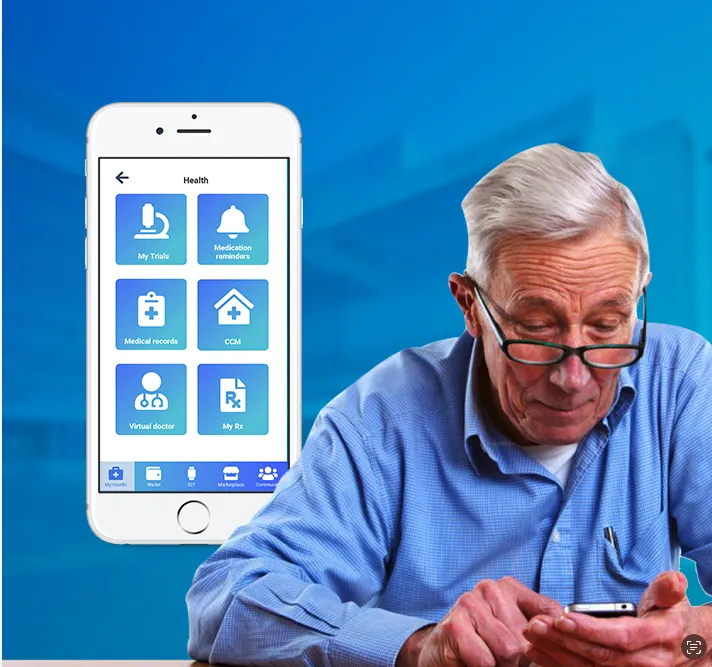
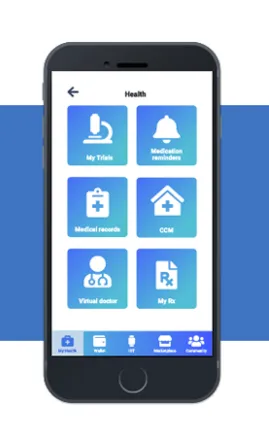
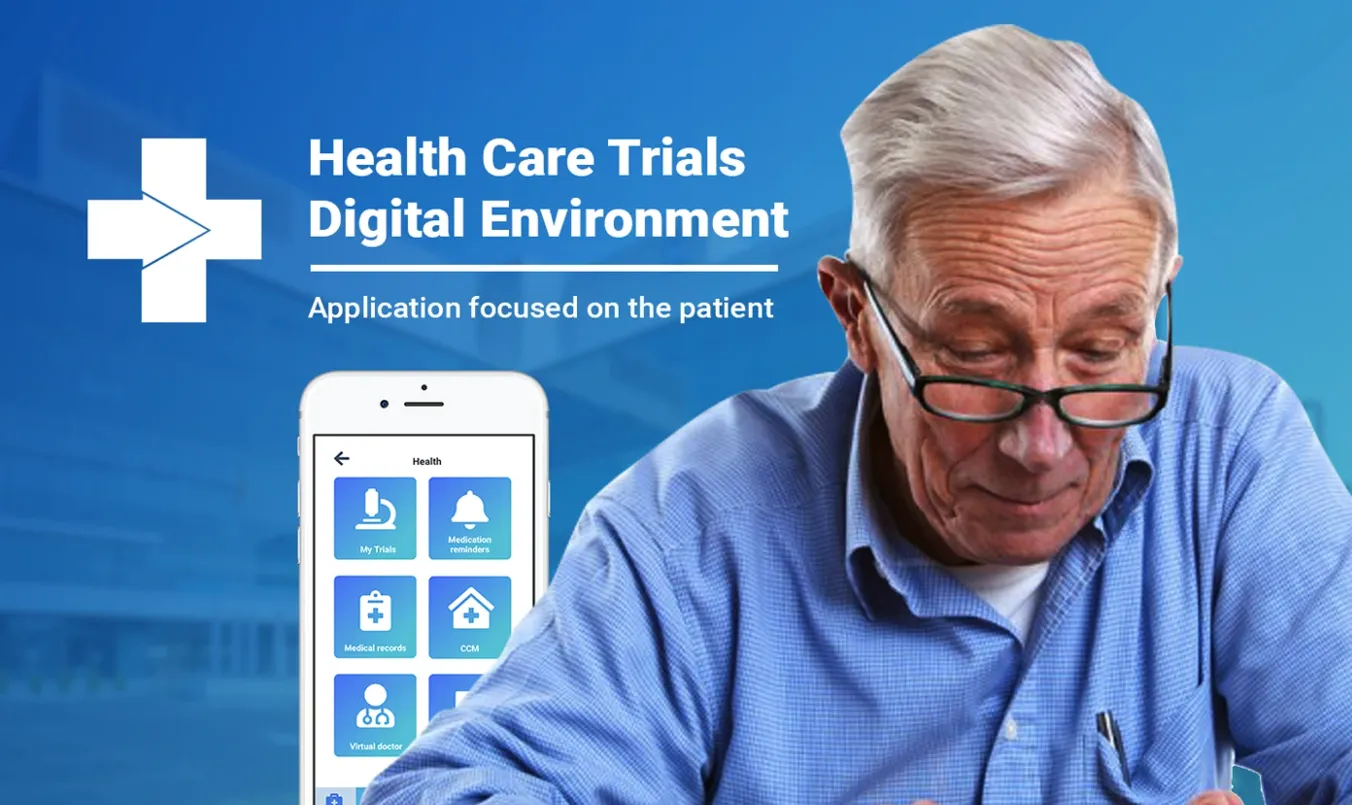
Patient Mobile App
Built for patients taking part in clinical trials, to make every clinic visit faster, simpler, and easier to track.
- Clinic check-in and consultation number
- Appointment details and medication reminders
- Medical records and health device connection
- Insurance access and treatment follow-up
- Trial discovery, marketplace access, and clinic messaging
CRC Tablet App
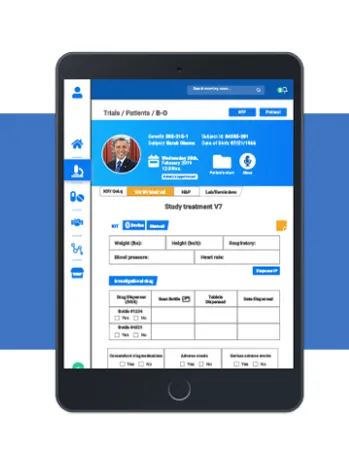
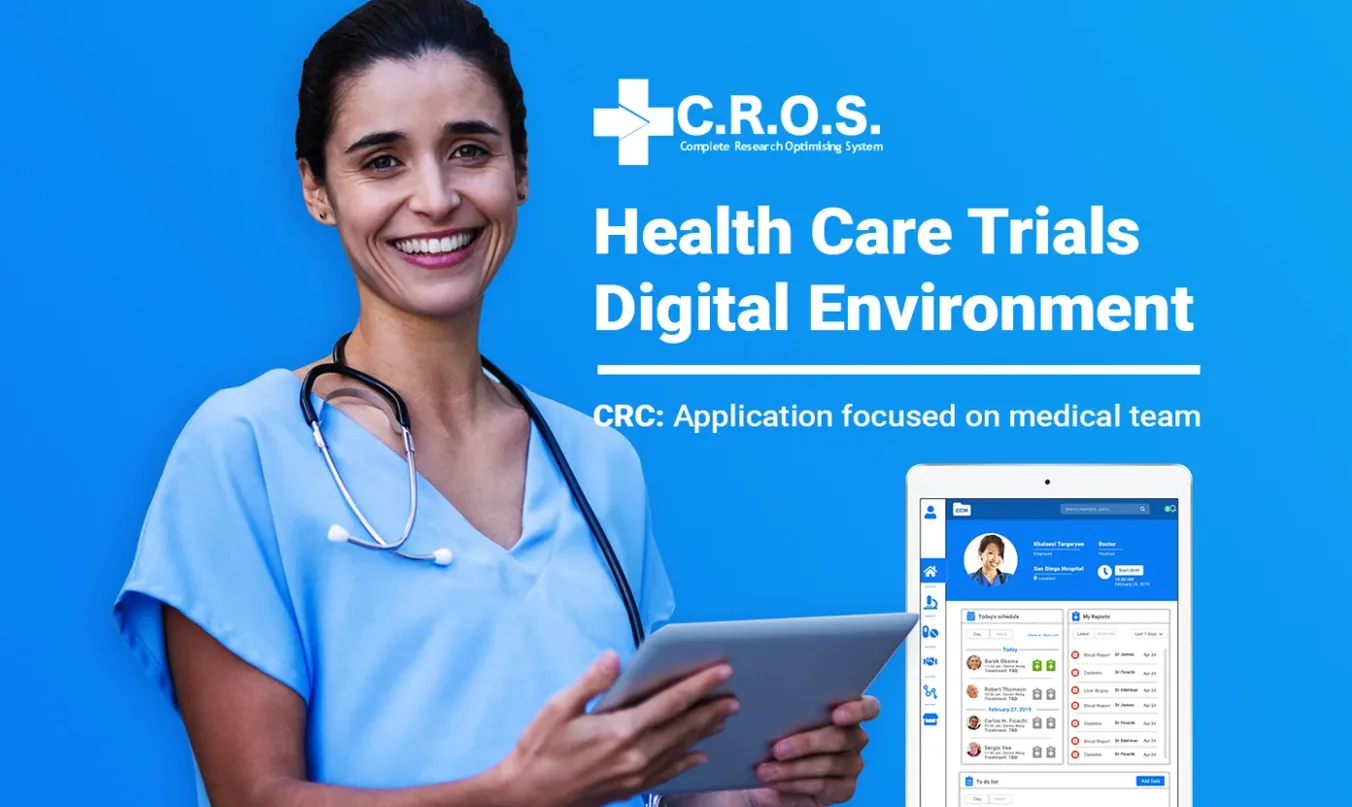
Built for the medical team (nurses, doctors, inventory staff, and managers), it became the operational core of the ecosystem.
- Today's schedule, patient profiles, reports, and to-do lists
- Medical documentation and documentation review
- Inventory review and role-based access
- Doctor and nurse workflows
- Review and approval flows for clinical operations
Sponsor / Inspector Web Platform
Built for sponsors and inspectors who manage the administrative side of each trial.
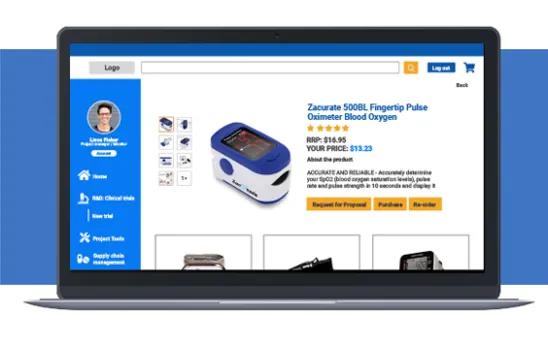
- Sponsor profiles and inventory management
- Medical product listings and marketplace administration
- Medication shipment status
- Clinical trial uploads and documentation review
- Inspector workflows and administrative oversight
Understanding the system before designing the interface
I led the research through interviews, surveys, field visits, and a review of the clinic's medical documentation to understand how each role worked within the existing process. Those findings defined the user needs, access levels, documentation requirements, and product priorities.
Patient pain points during clinic visits
Medication tracking needs
Insurance-related friction
Staff hierarchy and access levels
Paper documentation that needed to go digital
Inventory and medication tracking requirements
Inspection and review workflows
What could be redesigned vs. what had to stay structurally consistent
Ongoing communication between departments
Divide by user context, connect through the ecosystem.
I set the UX strategy around one rule: every platform gets one clear role. Instead of forcing every user into the same interface, I split the product by context:

Patients needed simplicity.
The mobile app put quick actions first: check-ins, reminders, appointments, and treatment follow-up.

Medical teams needed speed and control.
The tablet app gave clinical staff one place for schedules, records, reports, documentation, and daily operations.

Sponsors and inspectors needed visibility.
The web platform gave sponsors and inspectors a clear view of inventory, documentation, shipments, records, and administrative review.
This structure let one product support many workflows without overloading any single user's experience.
Product decisions that shaped the system



Want the full case study?
Download Full Project PDF
The full PDF covers the research, platform breakdown, navigation maps, key design decisions, and prototype documentation.